
Build an Agency your clients can't replace.

Hi, I'm Tahnee Perry.
I help agency leaders and marketing teams get more out of the AI tools they already have.
Claude adoption has grown fast over the last two years, as more teams look for ways to move faster without hiring more people.
But there's a problem: most of these setups fail.
The prompts get rewritten every time. The output sounds like AI instead of your brand. After a few tries, people just go back to writing it themselves.
Configuring Claude correctly is harder than it looks, and if you've never done it before, you probably don't know where to start.
Without the proper setup, you'll struggle to get usable output.
Let me help you get off to a strong start.
Enroll Now!
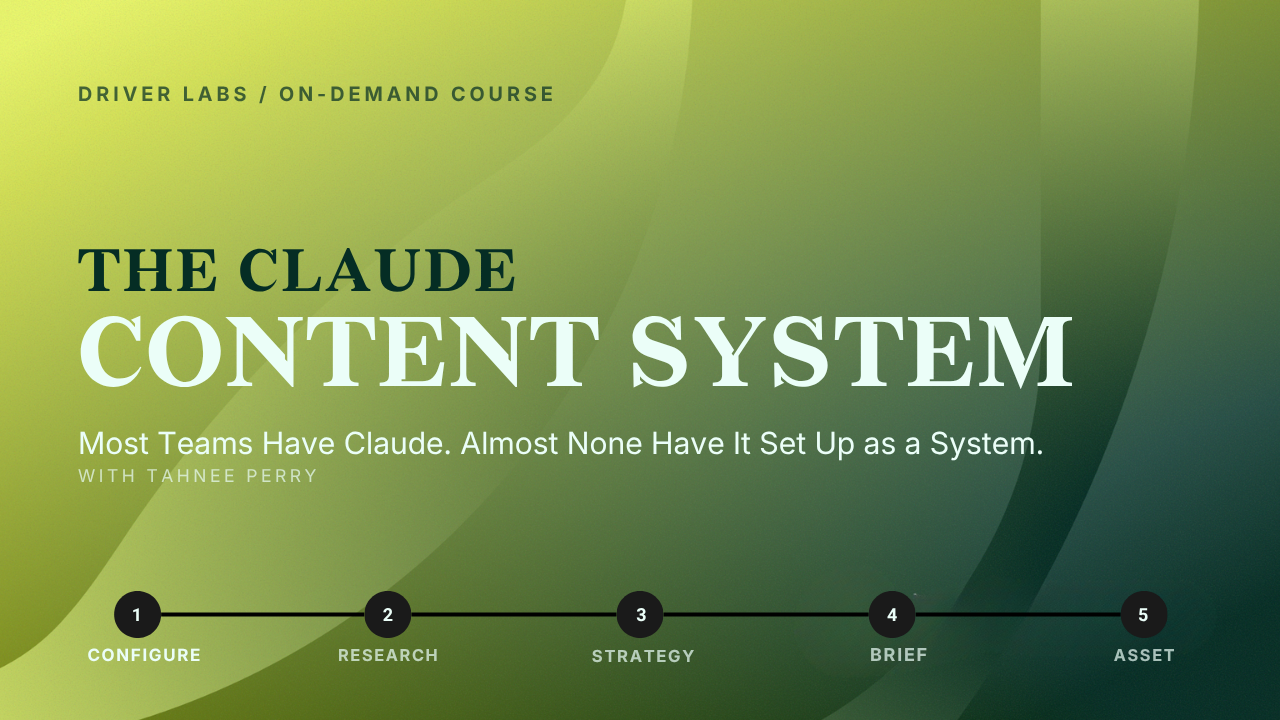
The Claude Content: On Demand
One time payment. Lifetime access to both videos, plus membership to the Driver Labs community.
The Workflows Inside
- Automate your market research
- Streamline your competitive intel
- Halve your content creation timeline
- Deliver prospect insights to your sales teams
- Complete performance reports in minutes
I built these systems while working with real client accounts. Here's what the teams achieved:
- Autodesk cut content production from two days to 30 minutes
- L'Oreal replaced four hours of weekly analyst time on competitive analysis
- HP turned ad hoc prompting into a repeatable system
Inside this course, I'll show you exactly how to set up that same system for your own brand or client.
Don't just take my word for it...
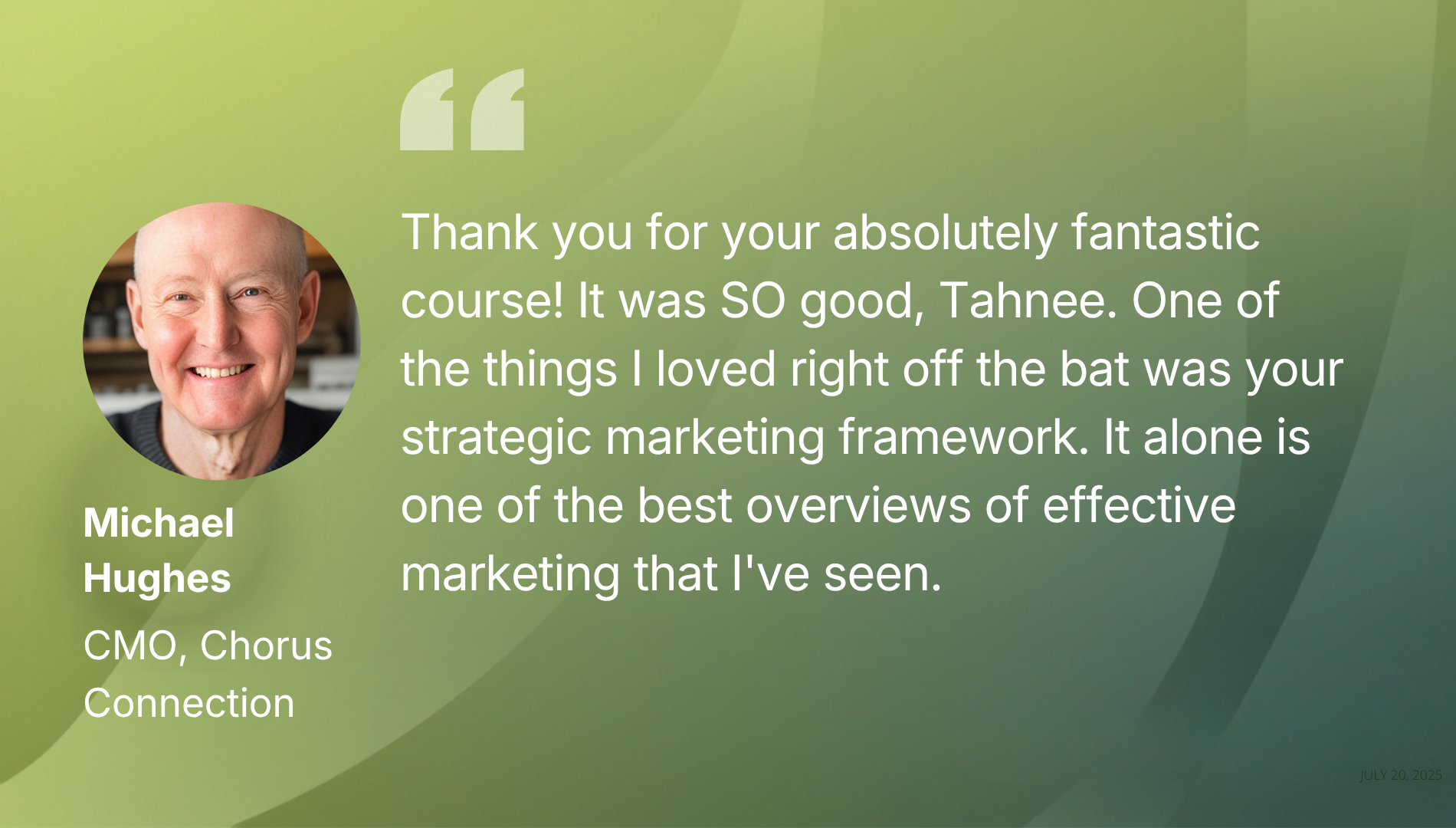
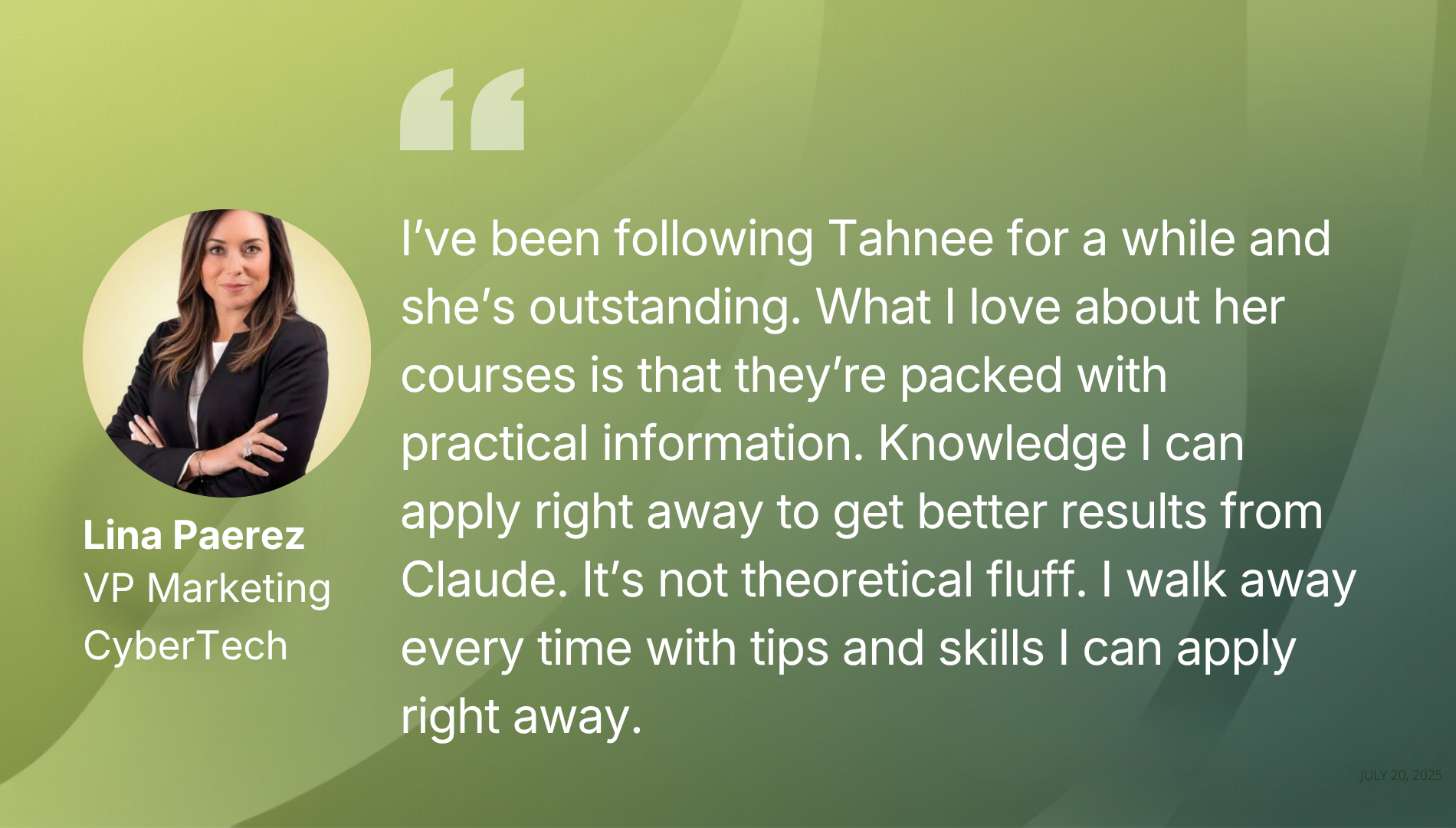
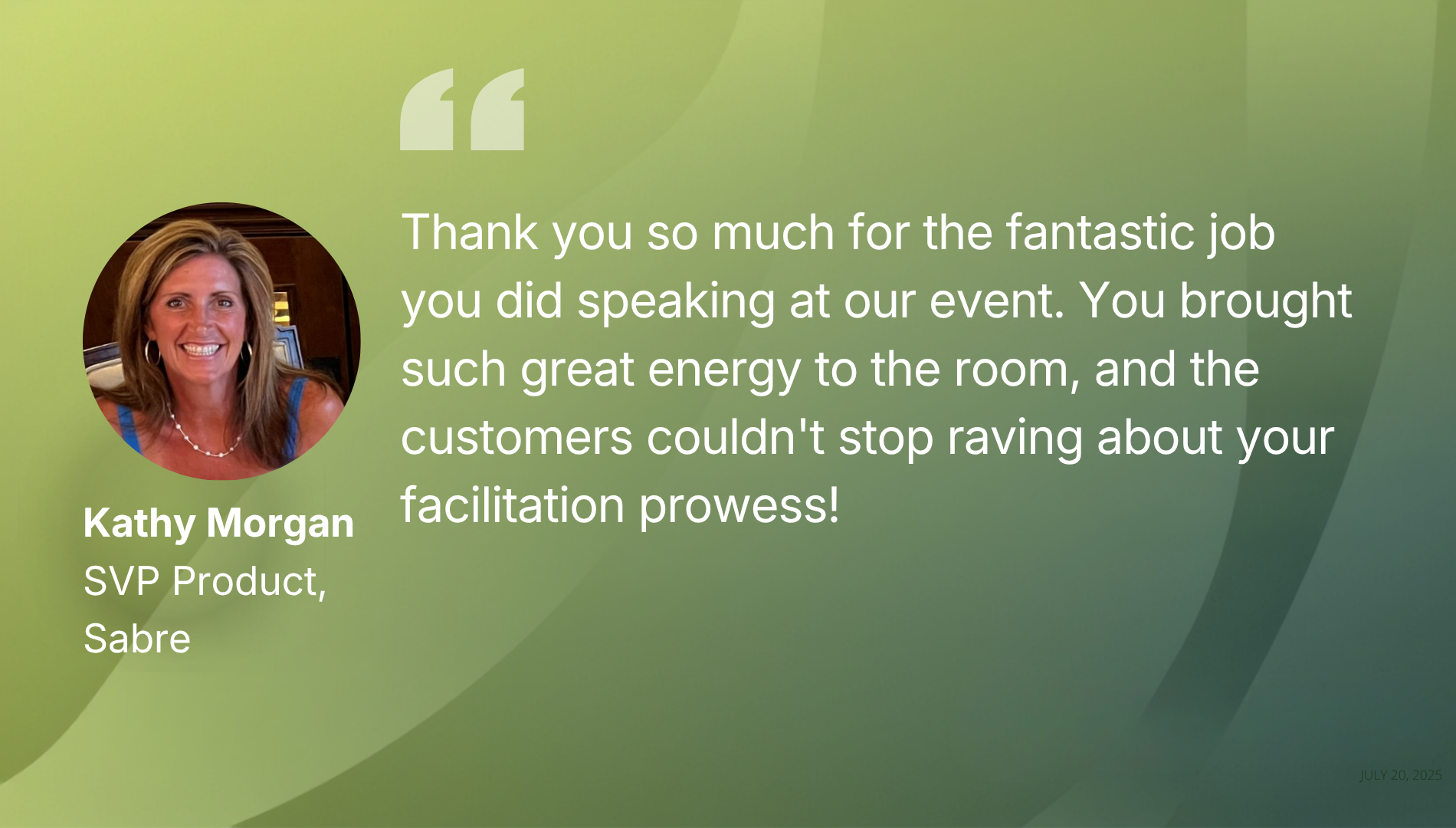
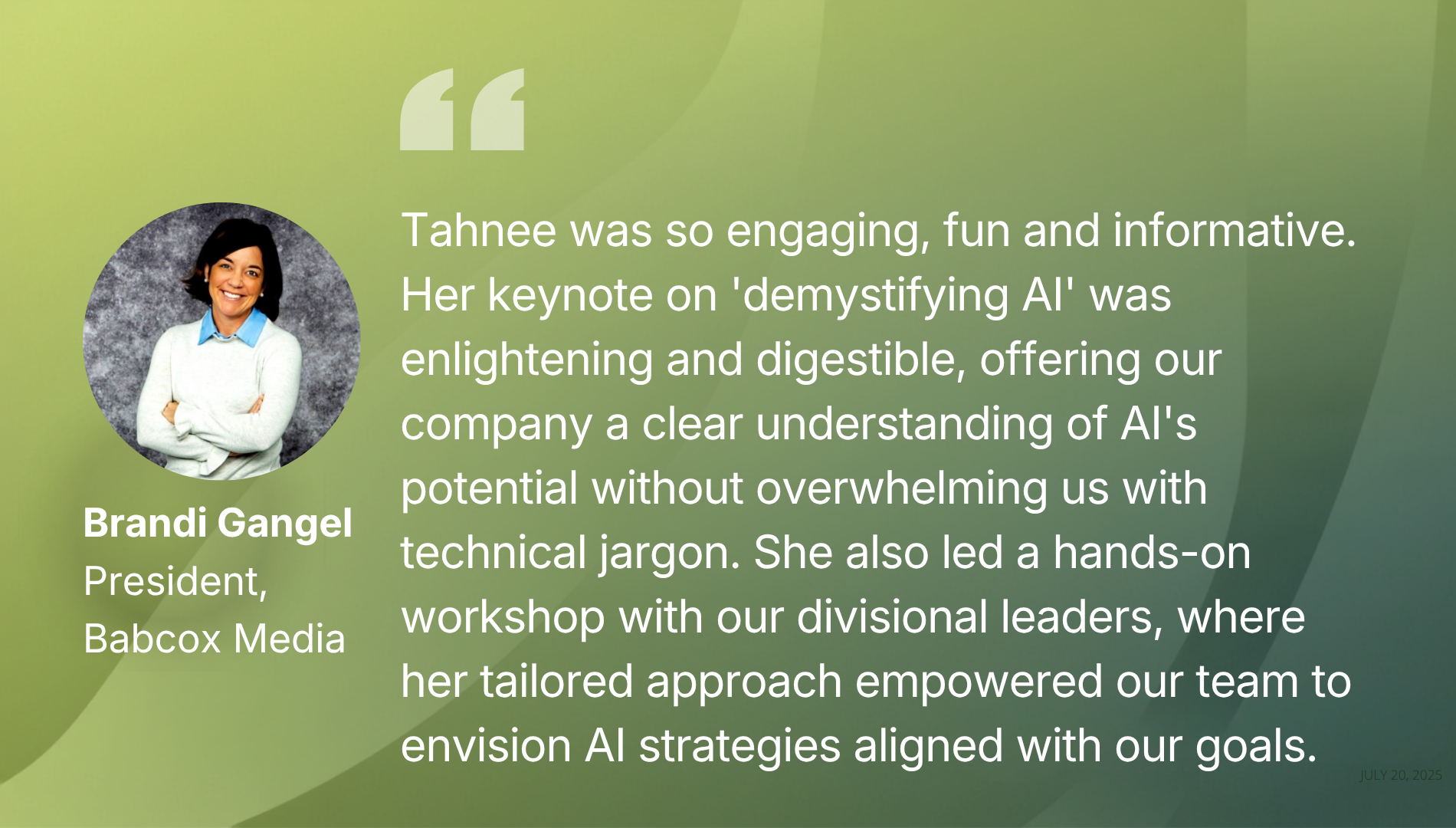
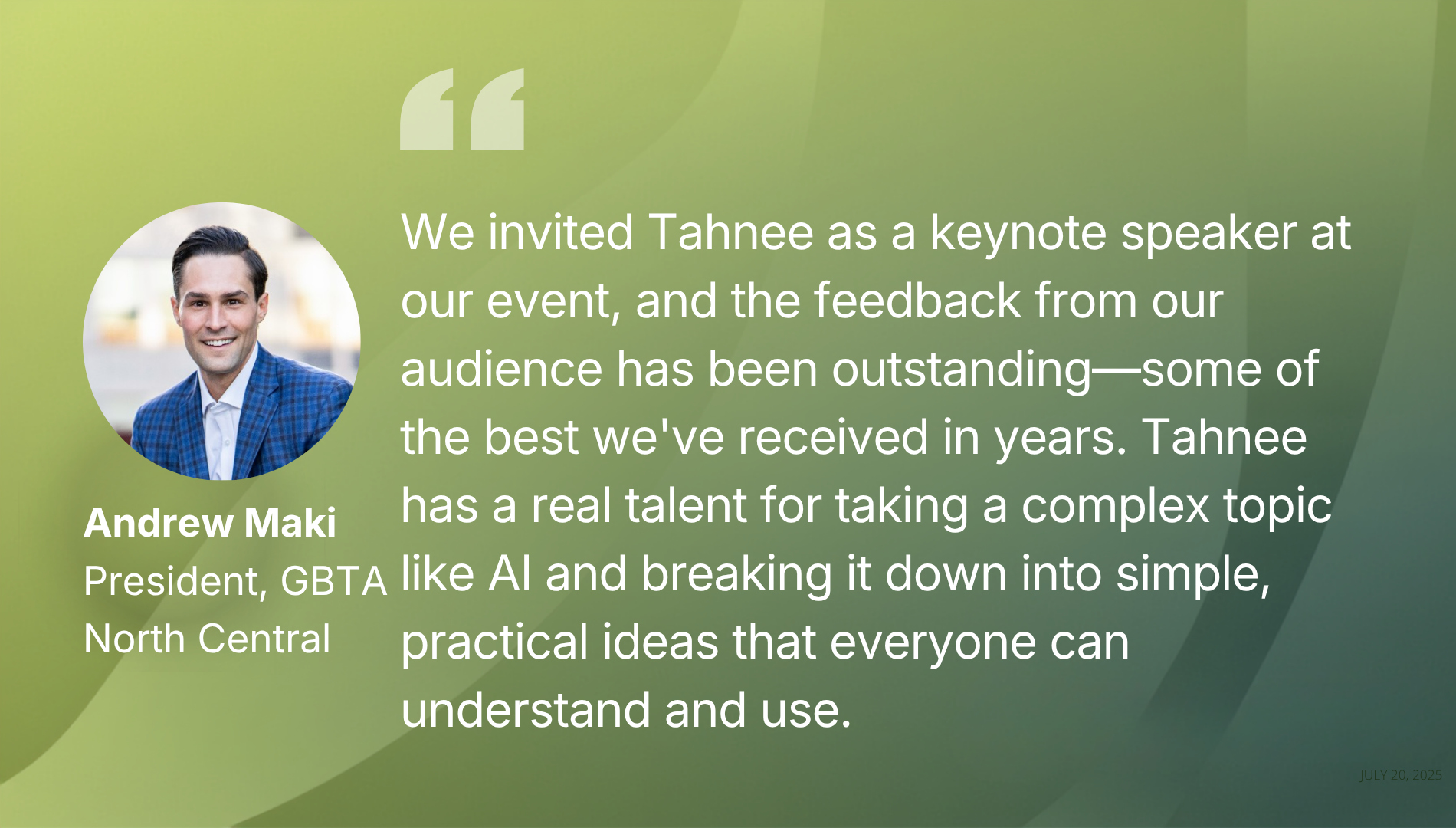
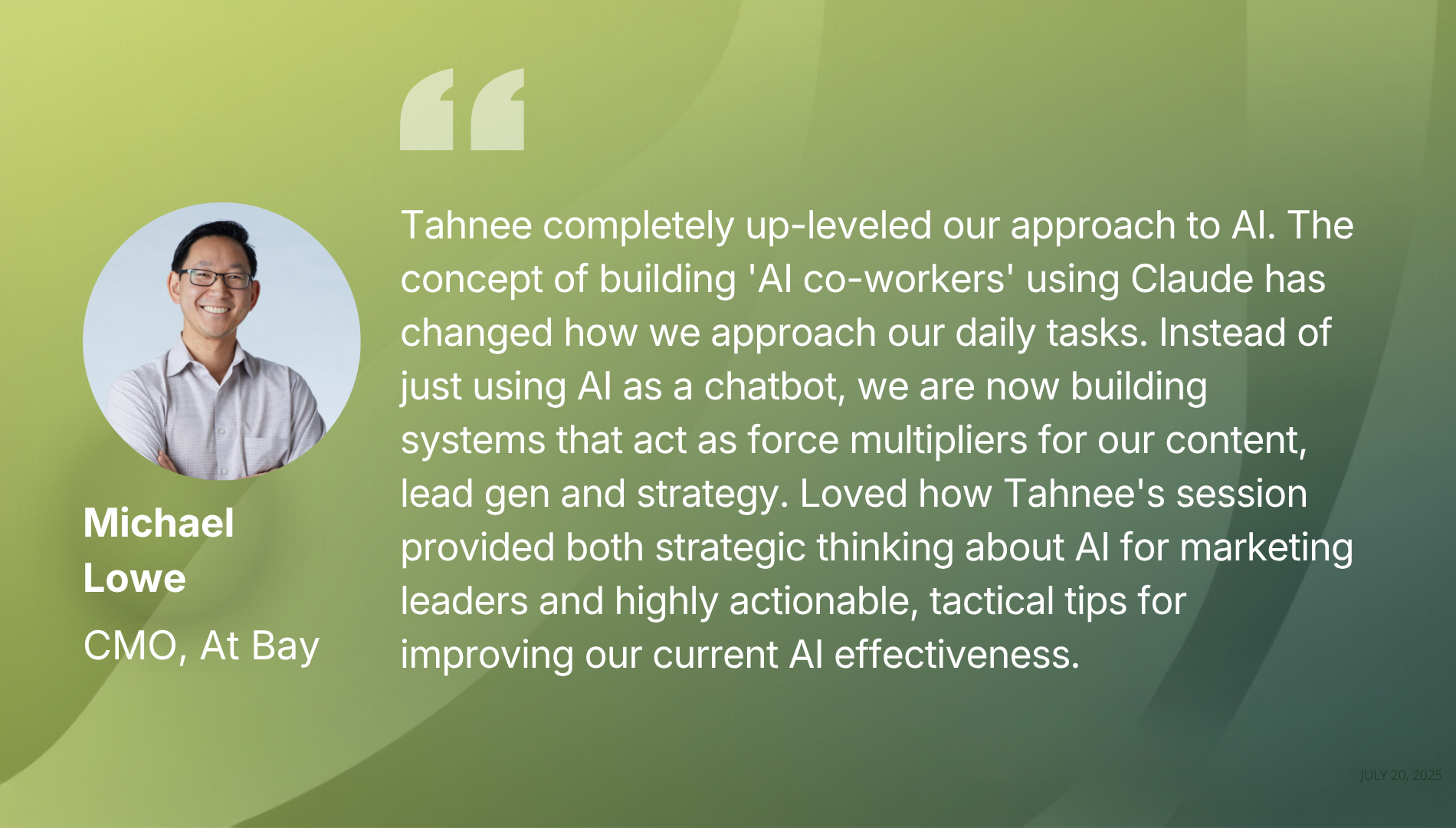
This course pays for itself fast.
By following the setup in this course, you'll have a Claude environment that produces usable, on-brand output from day one.
You'll be able to run the same research-to-strategy pipeline shown above, on your own brand or client.
And you don't have to take my word for it...
"This is the first time I've gotten Claude to sound like our brand instead of generic AI copy. The setup alone paid for the course."
— Marketing Director, Mid-Size Agency
We cover two modules.
This course goes in-depth into two modules that take you from setup to a finished campaign strategy:
Module 1: The Setup — This video covers which Claude surface fits which task, why a configured Claude behaves differently from a blank one, and how to set up the platform so it runs as your own on-brand system, one that's configured to your company and produces output in your voice by default.
Module 2: The Build — This is where the system starts producing work you can use. You'll create a Skill for your own ICP, set up a Project for a real client or campaign, run a market scan and turn it into a research brief, turn a competitive scan into a positioning gap map and messaging brief, and take a research brief through to a full campaign strategy doc and content creation. Every exercise runs on your own company, client or campaign.
Enroll Now!
The Claude Content: On Demand
One time payment. Lifetime access to both videos, plus membership to the Driver Labs community.
Here's what you'll learn!
How to configure Claude as a system
Build three Skills every marketer and creative needs
Build a Brand DNA Skill
Turn a Brief Into Creative Direction
Create and Edit On-Brand Visuals
Who is this course for?
This is built for marketers running research, creating content and driving leads to their sales team.
It also works for agency owners who need to produce consistent, repeatable output across a small team without adding headcount, and for creative directors moving upstream into strategy and content ownership.
If you've already got a Claude subscription sitting unused because nothing it produces sounds like your brand, this fixes that.
About Tahnee Perry!
I build systems marketing teams actually use.
My work in branding and communications goes back 20+ years.
Across that time, I've helped marketing teams move from generic AI output to a configured, on-brand system.
I built and tested this exact configuration inside real client accounts, including Autodesk and L'Oréal.
I bring all of that experience directly into this course.